
Coda MCP Overview - Connect Coda with AI Tools
Most systems people build for their teams are dead within two months. Change doesn’t come naturally for most people, and for valid reasons.
Existing habits and routines interact to keep the status quo, and it is our job to apply enough commitment consistently to make the change we wish to see occur. An important concept in facilitating change and adoption of something new is to make the desired action easy—an idea known as ‘affordance’ in design, or ‘scaffolding’ in education. If I want more people to throw garbage in dedicated bins, I place multiple trash cans near the lavatory in the public toilet, maybe accompanied by funny or informational signs.
The Model Context Protocol (MCP) has been evolving to increase the scaffolding available to non-technical users to interact with software tools. Building an automation doesn’t require writing and deploying scripts. It is instead possible simply using natural language instructions via a chat interface. Updating data in a system doesn’t have to involve learning how to navigate and interact with it but can be done via the same chat interface.
What if the adoption problem shrinks when people can use systems wherever they already work? You could keep the AI chat open, and ask questions about your data and add, update, or delete records — all through the chat interface.
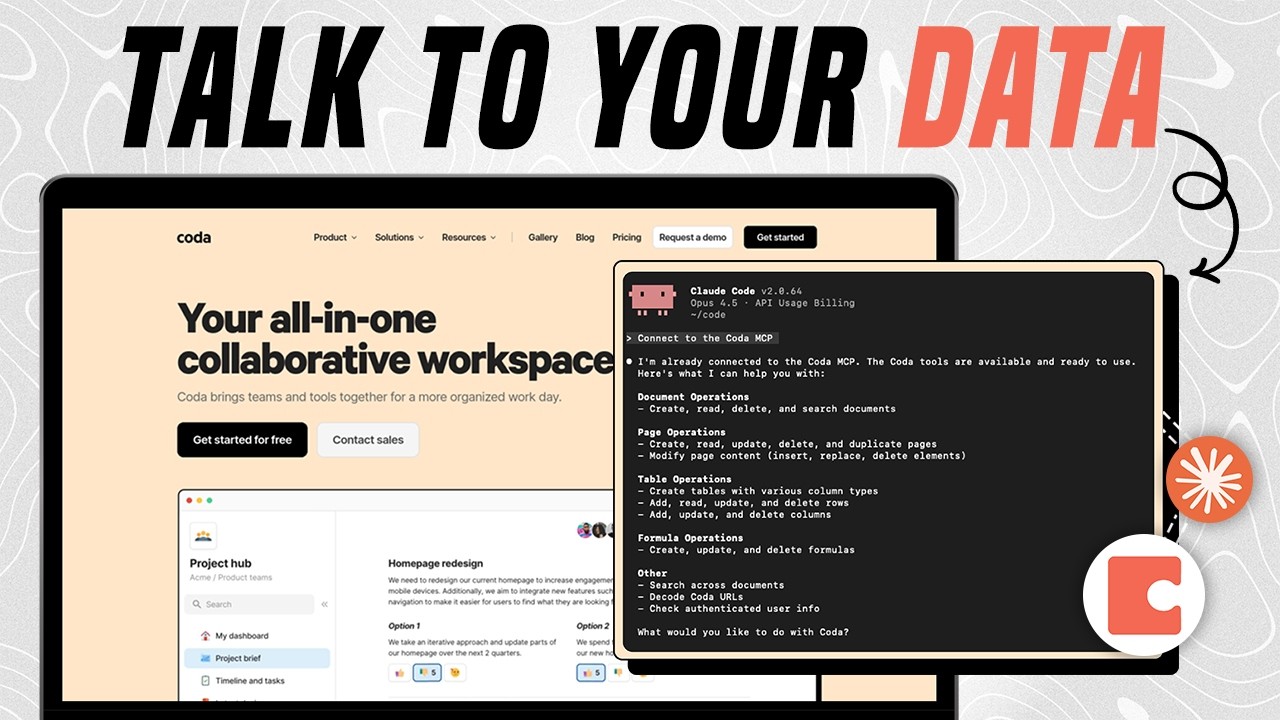
That’s one opportunity that the Coda MCP provides. This is a plug-and-play connector for any AI tools into your systems in Coda. It lets you read, update, and manage your Coda data by simply asking your AI assistant, or automating the process.
*Such increases in convenience and affordances that we have been developing for so many decades may also contribute to atrophying human cognitive skills, because many actions that used to require effort to learn and practice have now become seemingly effortless, no longer requiring cognitive or physical resources to be consumed in the process. This is an interesting area of learning, and I have written a bit about it here. There are some practical implications for the choices we can make, and we are lucky to have such vast choices. We can choose to do hard things, and this increasingly becomes a valued *status-signaling trait.
How to Connect the Coda MCP
You can connect the Coda MCP to any tool that supports HTTP streamable MCP connections. This includes ChatGPT, Claude, Cursor, Antigravity, Notion, n8n, Make, Pipedream, etc. In the video, I show how to connect the Coda MCP in Notion Custom Agents. The same steps and principles apply to other similar tools where you can build ai agents connected to MCP servers.
Here is the standard connection snippet you can use. The token (to be kept secret) can be generated here.
{
   "mcpServers": {
      "Coda": {
        "url": "https://coda.io/apis/mcp",
        "headers": {
          "Authorization": "Bearer Your-Coda-Auth-Token"
      }
    }
  }
}
Coda MCP Tools
Once connected, you will see a list of tools you can use via the AI interface. Find the official list of all available tools here. Tools are actions the AI can take across your Coda docs. Some of them involve manipulating data (adding/updating/deleting), and others only reading data.
For example, here are some prominent tools in the Coda MCP:
- search: searches for content across Coda docs. You can ask the AI a question, and by using the Coda MCP search tool, you can get an accurate answer based on the data in Coda.
- document_create: creates a new Coda doc, which could be duplicated from a template or further populated with data through additional tool calls.
- page_create: creates a new page within an existing Coda doc.
- table_rows_manage: adds/updates/deletes table rows.
Notice how these are typical actions you would take in Coda as a user, say, updating your project management system or CRM. They can be done via the MCP to facilitate efficiency and ease of use, so you don’t have to open the Coda doc at all, if that’s what you want.
Coda MCP Use Cases
- Capture financial transactions: you can use your ai tool of choice to instruct creating transactions in your Finances doc for financial tracking. This could be also a shortcut or widget on your phone where you can quickly type or dictate the transaction details, and the Coda MCP runs in the background to properly store the data in the doc.
- Answer team questions via a chat: your team can use an LLM to ask questions about your docs, policies, data stored across Coda docs, and get accurate answers without leaving the chat interface.
- Use Coda as AI agent memory: you can save AI interactions agent outputs in a Coda doc to use as “memory” and improvement mechanism for your AI agents.
Once you better understand the concept of MCP, you can ideate and refine your use cases for what would make this tool valuable for you because the workflows and options it unlocks are vast and customizable.
Want to build custom AI Agents and workflows in Coda? Submit an enquiry.